Key Takeaways
- A VIN decoder can help you check key vehicle specifications, including the make, model, model year, trim, engine, transmission, drivetrain, and body style.
- You can check vehicle specifications without visiting a dealership by entering the vehicle's 17-character VIN into an online decoder.
- The process does not show the vehicle's history, such as accident, title, mileage, ownership, service, or auction records.
Before you decide to purchase a used car, one crucial step that you need to take is checking its specifications. For some people, the task might be daunting because not everyone understands a vehicle’s specifications, and not all buyers know exactly what they want or need.
Because checking a vehicle’s specifications is important, you can run a quick and free check with Vehicle History EU’s VIN decoder service and get the result in less than a minute. Read this guide to find a few ways to check the specifications.
What Vehicle Specifications You Can Check by Using the VIN
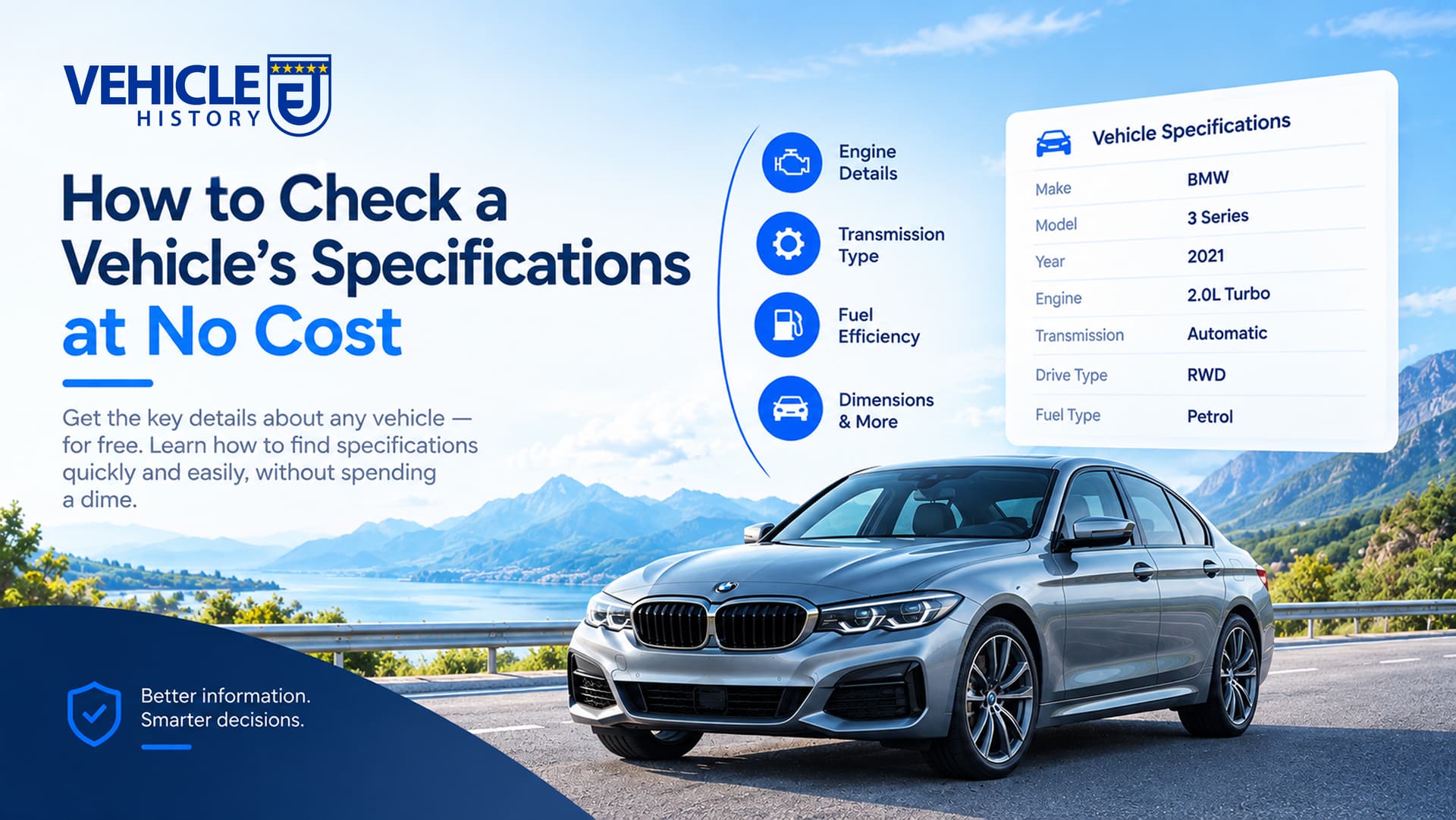
A VIN Decoder tool can be used to identify specifications about the vehicle, from its year, make, and model to its engine, transmission, trim, and factory configuration. With Vehicle History EU, you can get this information at no cost.
Basic Vehicle Information
The VIN can help confirm the vehicle's identity and configuration. This is useful when a used-car listing provides limited information or when you want to verify that the details match the vehicle you're researching.
Make, Model, and Model Year
Identify a vehicle’s manufacturer, model, and model year. This can help you confirm that a vehicle is being advertised under the correct model and year, especially when similar models were sold across multiple model years.
Body Style and Vehicle Type
The VIN data can show the vehicle’s body style or type when decoded properly. You can understand if the vehicle is a sedan, SUV, coupe, pickup truck, wagon, or convertible. This can be useful when a manufacturer offers several body configurations under the same model name.
Engine and Drivetrain Specifications
You can check the vehicle’s mechanical configuration by using the vehicle’s VIN. With our service, you’ll get information about the engine, fuel type, transmission, and drivetrain.
Engine and Fuel Type
You can find the vehicle’s engine configurations, displacement, cylinder count, and fuel type. For example, the same model may have been offered with different engine sizes or gasoline and diesel options depending on the assigned trims.
Transmission and Drivetrain
See if the vehicle uses an automatic or manual transmission and whether it is configured with front-wheel drive (FWD), rear-wheel drive (RWD), all-wheel drive (AWD), or four-wheel drive (4WD).
Trim and Factory Configuration
A vehicle's trim level can affect its engine, equipment, features, and other specifications. Two vehicles with the same make, model, and model year can have very different configurations depending on their trim.
Trim Level and Series
The trim level or series associated with a vehicle. This gives you a starting point for determining which specifications and equipment were associated with that particular configuration.
Factory Equipment and Features
See the factory-installed equipment and features associated with the vehicle. This can include certain safety, comfort, technology, or performance equipment.
Manufacturing Information
Before you purchase a used vehicle, you will need to know about the manufacturing information and its origin.
Manufacturer and Registered Address
Check the vehicle’s name and address details to identify the company responsible for producing the vehicle and its listed business location.
Manufacturing Region and Country
See the region and country associated with the manufacturer, along with additional production notes to see how many vehicles were produced within a year.
How to Check Vehicle Specifications for Free
To check the vehicle’s specifications for free, you can use the Vehicle History EU VIN decoder and follow these simple steps to get it done in seconds.
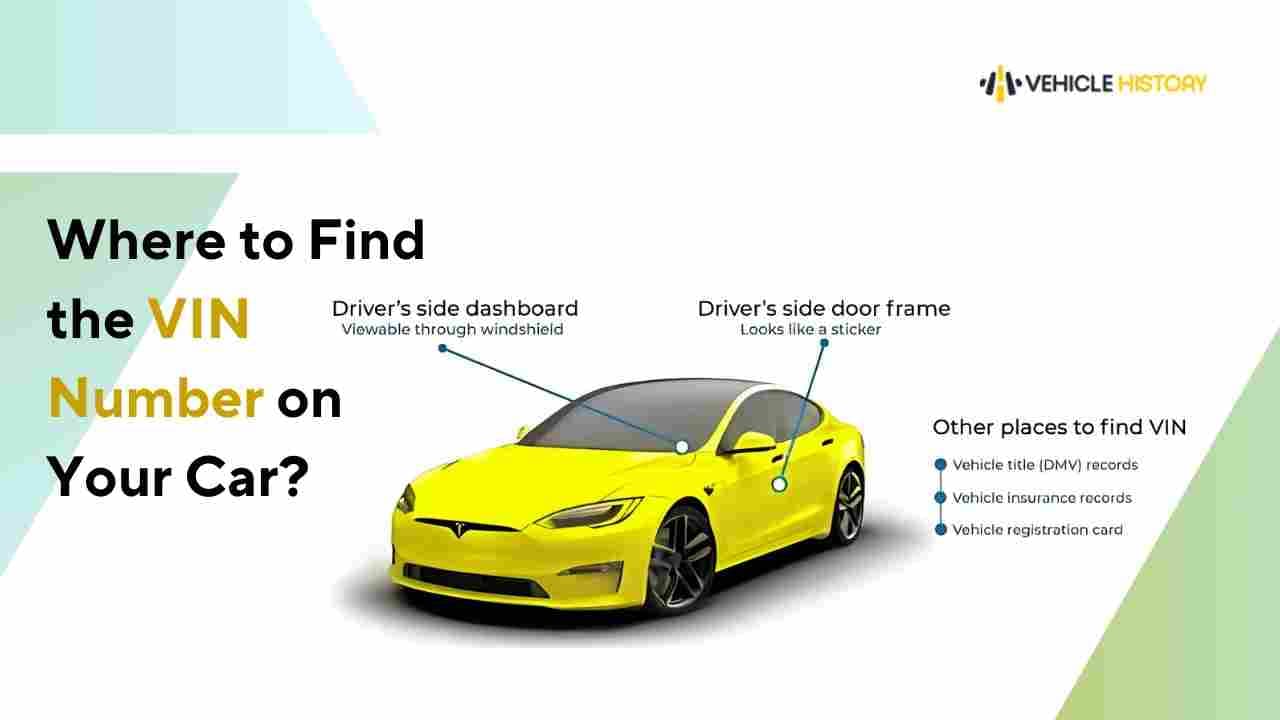
Find the VIN
Examine the driver’s side door jamb, windshield, or paperwork.
Enter the VIN
Click in the form, then enter the vehicle’s VIN you want to check. After that, click the button to submit the form.
Check the Vehicle Specifications
Check the preview page to examine the vehicle’s specifications, such as engine, transmission, model, and more.
What a VIN Decoder May Not Tell You
A VIN identifies a specific vehicle, but decoding it does not provide a record of everything that has happened to that vehicle. However, a VIN decoder does not include the full vehicle’s past information.
Accident and Damage History
A basic VIN decoder does not show whether a vehicle has been involved in an accident, collision, flood, fire, or other damage event.
Title, Mileage, and Ownership Records
You will not get the vehicle’s title information, mileage, and ownership information with a basic VIN decoding.
Service and Auction Records
A free VIN decoder does not include service, maintenance, or auction records.
Pro-tip: If you need to get the available historical record of the vehicle, you can use our VIN Check service and get a vehicle history report.
Why Use the VIN Instead of Guessing the Vehicle's Specs?
A vehicle’s badges, appearance, and seller descriptions can give you important clues, but they may not tell you the exact factory configuration. Similar model years can also be offered with multiple trims, engines, transmissions, and drivetrains.
In addition, a vehicle may have aftermarket or dealer-installed equipment that changes what you see on the car. Rather than relying only on what is visible or advertised, you can use available VIN data to identify the vehicle's associated configuration.
VIN Data vs. Seller-Provided Information
A listing description provided by the seller is useful for understanding how a vehicle is advertised, but the information may be incorrect or incomplete. A VIN decoder provides a separate reference by using the vehicle’s identification number to retrieve available specifications and configuration data.
| Information | Seller Listing | VIN Decoder |
|---|---|---|
| Make and model | Usually available | Available |
| Model year | Usually available | Available |
| Trim | May be incomplete or incorrect | Can help identify the associated trim |
| Engine | May be incomplete or incorrect | Can provide available engine data |
| Transmission | May be omitted | Available |
| Drivetrain | May be omitted | Available |
| Factory configuration | May not include all available details | Can provide additional available configuration data |
Check Vehicle Specifications by VIN at No Cost
You don't need to manually check multiple sources or rely entirely on a seller's description to find basic vehicle specifications. Enter your VIN to see the specifications associated with the vehicle. It's a simple way to verify key details before buying, selling, or researching a car.
If you're also researching a used vehicle, specifications are only one part of the picture. A full vehicle history report can provide additional records about the vehicle's reported past, such as accident, title, mileage, ownership, service, or auction records.
FAQs About Free Vehicle Specifications Check
How do I check my VIN for vehicle specifications?
You can use a 17-character Vehicle Identification Number (VIN) to look up a vehicle's technical specifications with an online VIN decoder.
Can I use a free VIN decoder to check car specs?
Yes, you can use a free VIN decoder, such as Vehicle History EU, to check basic vehicle specifications.
What information do I need to check vehicle specifications?
To check a vehicle's specifications, you typically need basic identifying information such as the make, model, and model year. For a more specific lookup, you can use the vehicle's 17-character VIN or, where supported, its registration or license plate number.
How long does it take to check vehicle specifications by VIN?
You can check a vehicle's specifications by entering its 17-character VIN into an online decoder, with results typically available within seconds.
Can I check vehicle specifications without visiting a dealership?
Yes, you can check vehicle specifications without visiting a dealership by using online VIN lookup tools, manufacturer resources, or physical labels and documentation on the vehicle.
What should I do if my VIN decoder does not show all vehicle specifications?
If a VIN decoder provides limited information, you can try looking up the window sticker for additional details. Free VIN decoders may focus on basic vehicle information, while more detailed data such as specific trim packages, optional equipment, or interior features require a more comprehensive lookup.